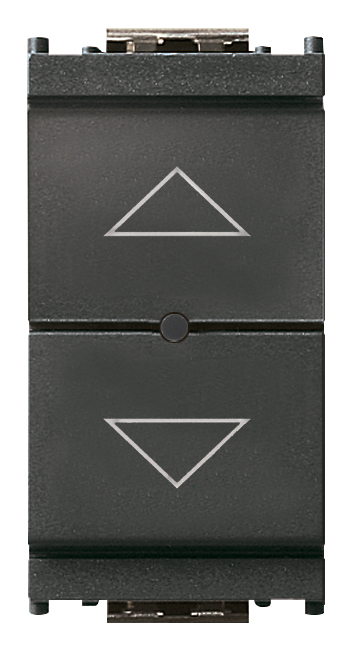
Connected roller shutter actuator grey代码 16494
- 16494
- Wiring devices / View Wireless wiring devices / IDEA / Devices
- Connected roller shutter actuator grey
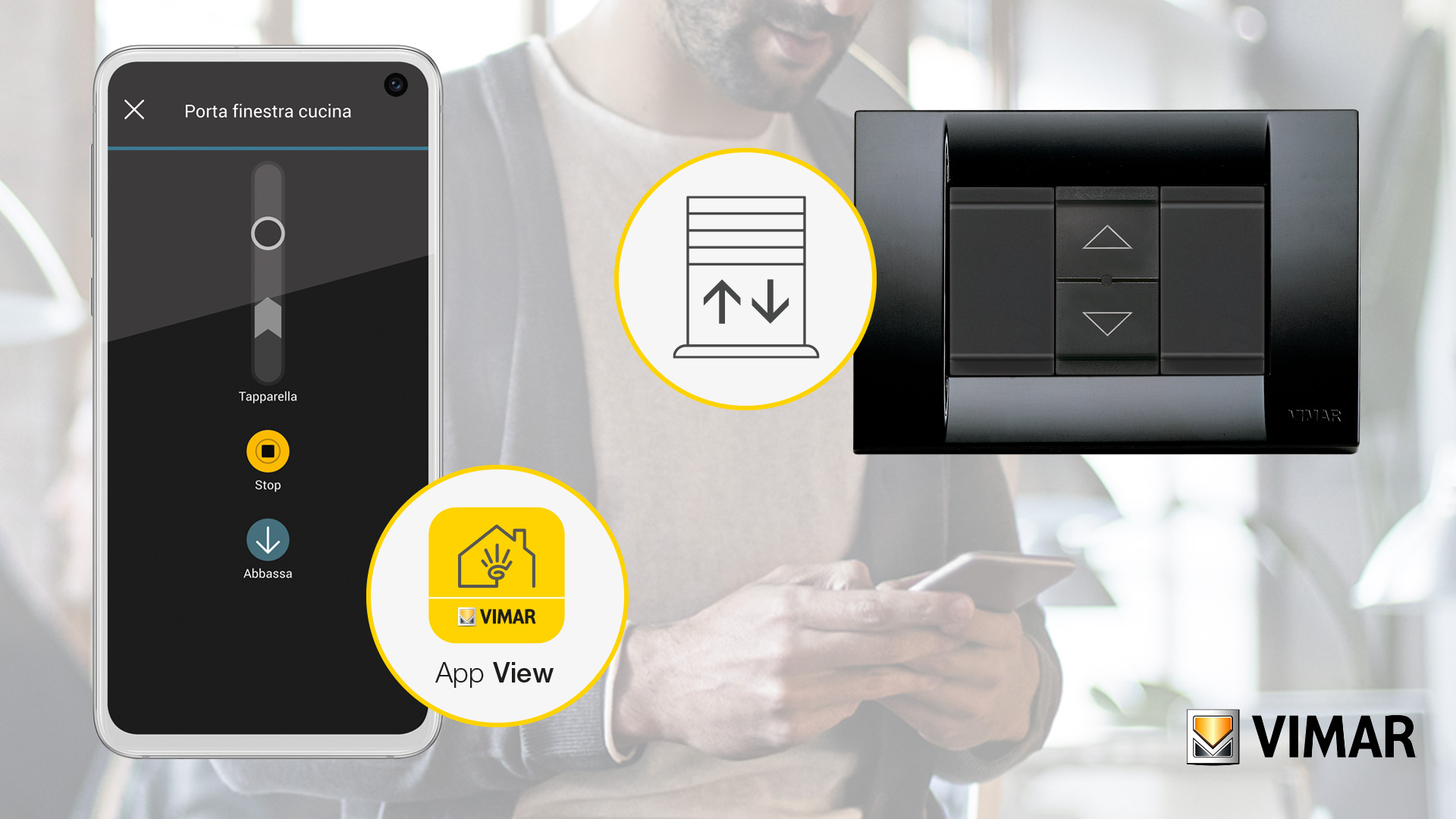
- View Wireless electronic control for 1 roller shutter with slat orientation and change-over relay output for cosφ 0.6 motor 2 A 100-240 V~ 50/60 Hz, local or remote control, double IoT technology on Bluetooth 5.0 standard for the creation of View Wireless mesh system and on Zigbee 3.0 standard, 1 input for external push button to recall a scenario, favourite position recall function, RGB LED visible in darkness with brightness control, 100-240 V 50/60 Hz power supply, grey
- Configuration from View Wireless App for Bluetooth technology system and Amazon App for Zigbee technology
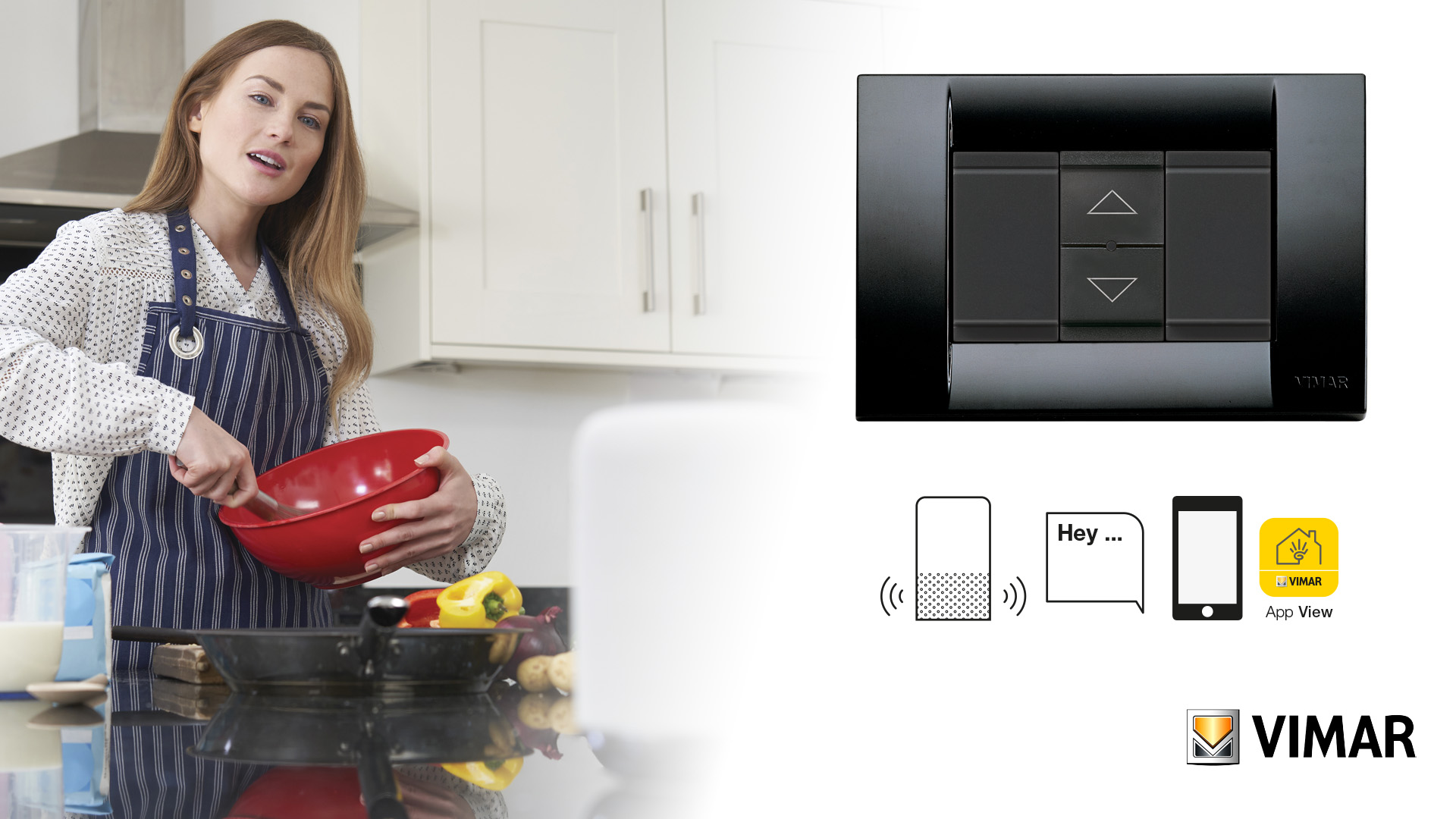
- Compatible with Alexa, Google Home and IFTTT, using the dedicated gateway or Zigbee hub
- Compatible with SmartThings hub
- 产品状态
- 3 - Active
您可能也感兴趣

单, 说明书, 文档
- Light multilanguage instructions sheet (938 kb)
- Foglio istruzioni Full (519 kb)
- Feuille d’instructions Full (508 kb)
- Hoja de instrucciones Full (507 kb)
- Full instructions sheet (503 kb)
- Φυλλάδιο οδηγιών Full (645 kb)
- Anweisungsblatt Full (506 kb)
- ورقة الإرشادات Full (574 kb)
- Manuale app View Wireless (19693 kb)
- Manuel appli View Wireless (43543 kb)
- Manual app View Wireless (43542 kb)
- Manual View Wireless app (42589 kb)
- Εγχειρίδιο τεχνικού εγκατάστασης (43825 kb)
- Installationsanleitung View Wireless (43598 kb)
图纸


Class group
Installation bus systems
Installation bus systems
Class
Shutting actuator for bus system
Shutting actuator for bus system
Bus system KNX
No
No
Bus system KNX-RF (Radio Frequency)
No
No
Bus system radio frequency
Yes
Yes
Bus system LON
No
No
Bus system Powernet
No
No
Other bus systems
Zigbee
Zigbee
Mounting method
Built-in
Built-in
Width in number of modular spacings
0
0
Local operation/hand operation
Yes
Yes
With LED indication
Yes
Yes


37. Marking - Morocco

40. Bluetooth technology

42. Zigbee certified


47. Works with SmartThings

最小订单数量: 1 NR
条形码
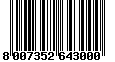
8007352643000
1 NR
5.2x3.5x5.3 [cm]
49 [g]
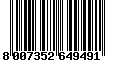
8007352649491
60 NR
27x23x12.5 [cm]
3,119.4 [g]
| 问题: | With which physical devices can I activate a scenario control in the connected system? |
|---|---|
| 回答: | Mechanical push buttons connected to connected devices which envisage the function or using the radio control 03925. |
| 问题: | How many Energy meters art.02963 can I install in a Wireless system? |
| 回答: | Each connected system allows a maximum of 2 meters art.02963. |
| 问题: | To control a roller shutter via App, do I only need the module code 14594-16494-19594-20594 with the gateway art. 14597-16497-19597-20597? |
| 回答: | The control is designed to control the roller shutter/slat using the on-board keys and via a wireless connection. The device has the possibility of being controlled with two different radio standards (exclusive to one another): Bluetooth mesh (default) or Zigbee. The Bluetooth mesh network implies the presence of gateway 20597-19597-16497-14597 and management will occur via the VIEW App, whereas when using Zigbee technology a Zigbee 3.0 gateway is required (such as Amazon Echo Plus, Echo Show or Echo Studio) with related management via Amazon App. |
| 问题: | Is code 14594-16494-19594-20594 suitable for replacing the centralised opening control of all roller shutters? |
| 回答: | The device is fitted with an on-board actuator for the management of a single roller shutter. |
| 问题: | On a system where I have installed the connected control for roller shutters art.14594-16494-19594-20594, can I leave secondary points with the traditional roller shutter control? |
| 回答: | No, each roller shutter motor must be controlled by a single control art.14594-16494-19594-20594; in the event that you need a centralised control (to raise and lower all roller shutters), you need to exploit input P, on board the individual connected controls, connecting it with a control such as art.14062-2062-19062 and creating two dedicated scenarios in the Wireless system. |
| 问题: | After I have set the device as Zigbee, how can I reset the device to Bluetooth mode? |
| 回答: | The procedure allowing the conversion of the operating mode/technology on the product in question can be found inside the ˝VIEW Wireless˝ App in the menu: ˝Actions -> Manage device˝. |
找不到您想要的答案吗?
分享

合法
Vimar保留随时修改所示产品的特性的权利,恕不另行通知。 安装必须由符合资质的人员执行,严格遵守所在国家现行的电气材料安装相关规定。 有关产品卡信息的使用条件,请参阅 使用条件。