IoT connected roller shutter moduleCode 03982
- 03982
- Wiring devices / View Wireless wiring devices / Shared components / Non-modular components
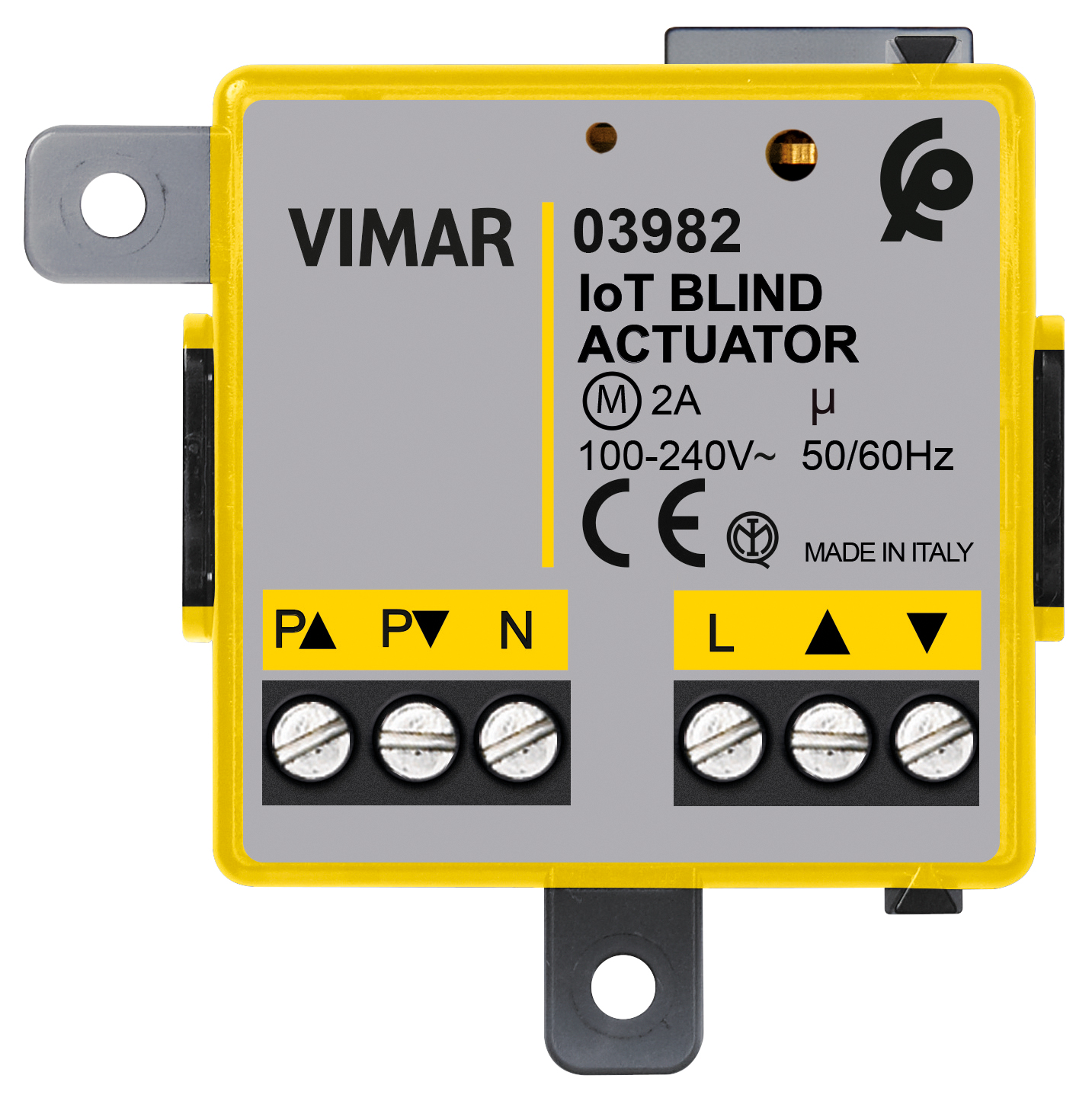
- IoT connected roller shutter module
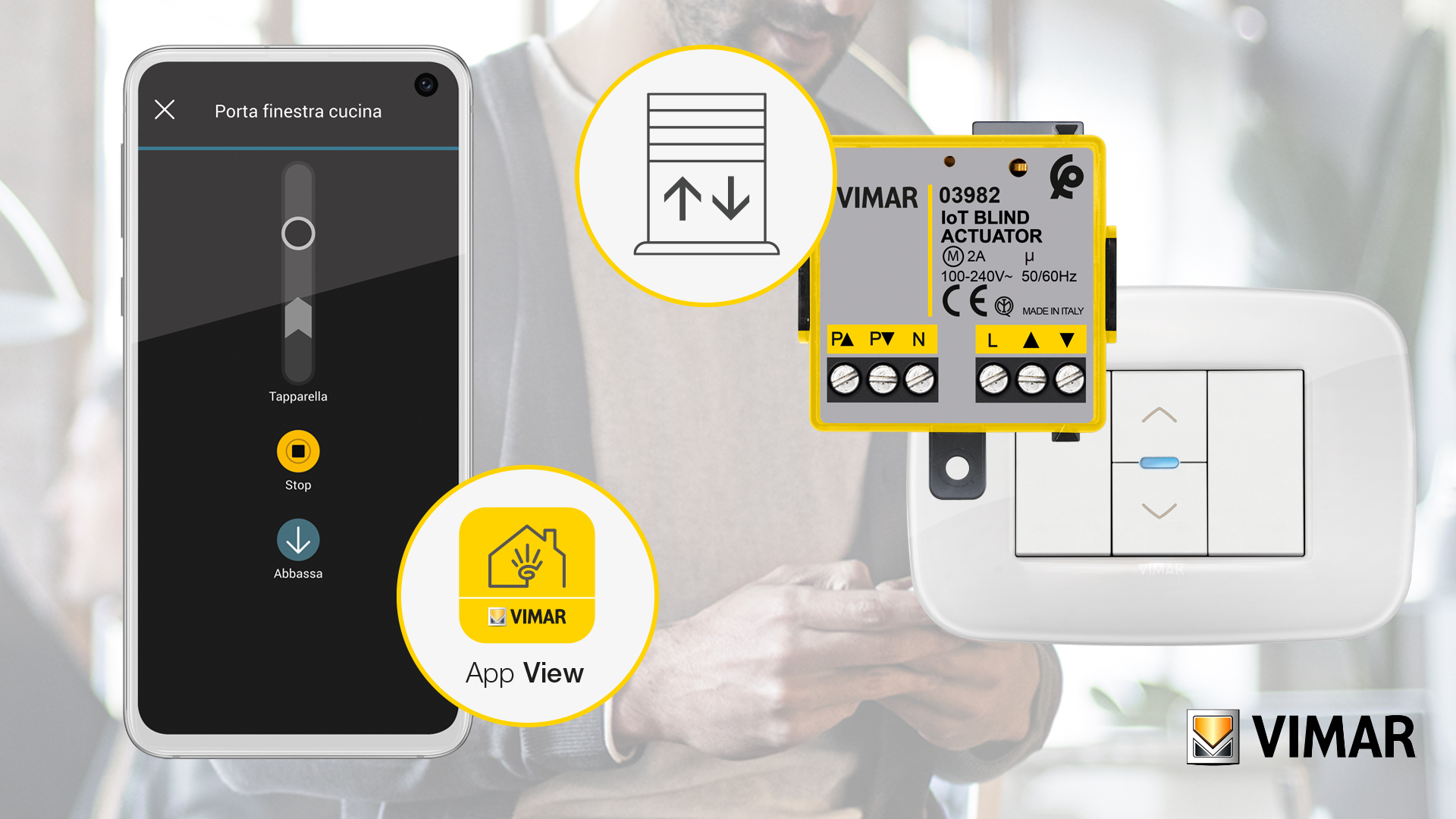
- View Wireless connected actuator for 1 roller shutter with slat orientation and change-over relay output for cosφ 0,6 2 A 100-240 V~ 50/60 Hz motor, remote control, double technology with Bluetooth® wireless technology 5.0 standard for the realization of View Wireless mesh system and Zigbee 3.0 standard,100-240 V 50/60 Hz power supply, flush mounting at the back of the device
- Configuration from View Wireless App for Bluetooth technology system and Amazon App for Zigbee technology
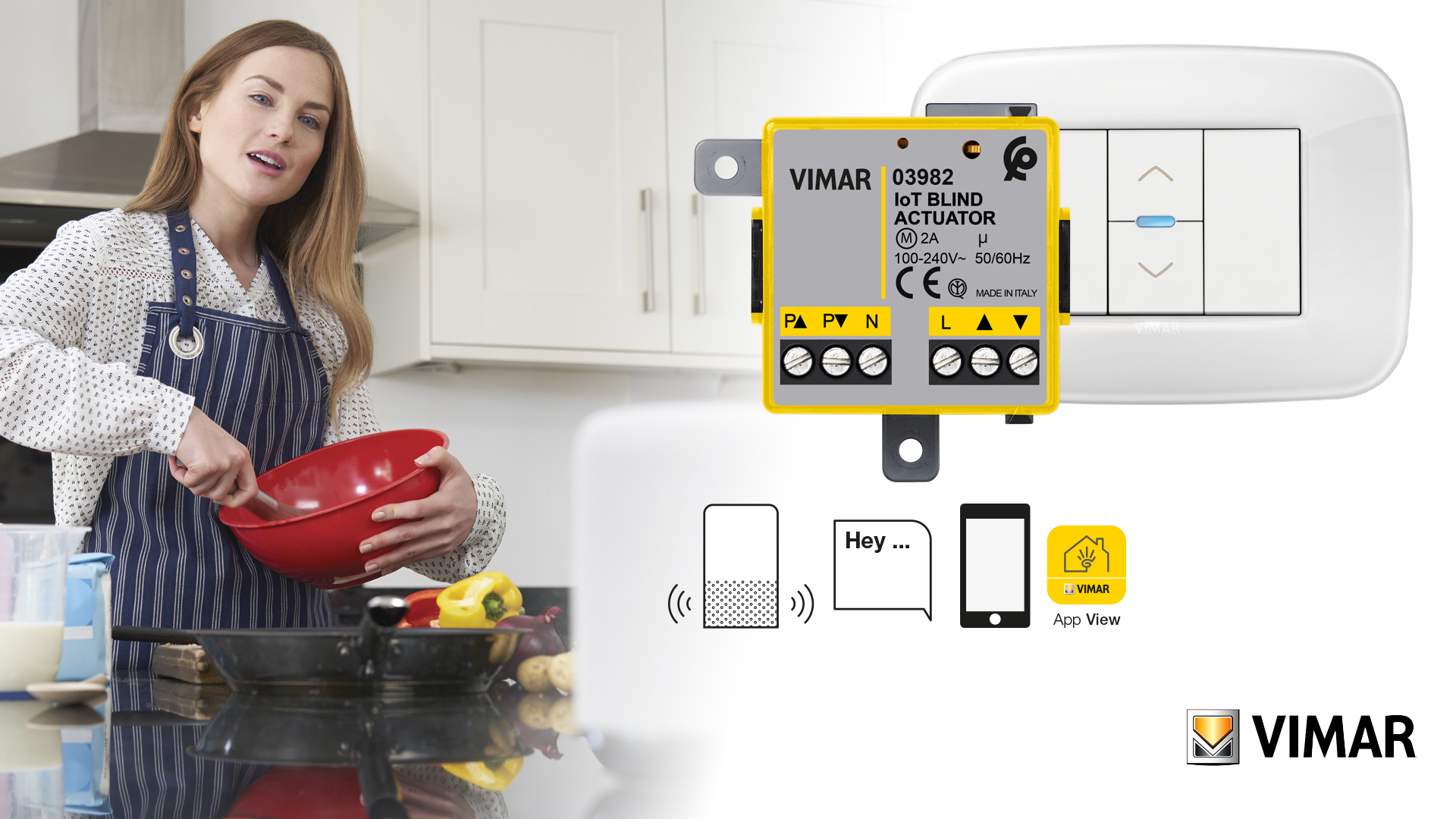
- Compatible with Alexa, Google Home and IFTTT, using the dedicated gateway or Zigbee hub
- The shape fosters maximum flexibility of installation (retrofit, junction boxes, etc.)
- When operated directly from the battery-free controls, wiring with electro-mechanical push buttons is not necessary
- Product Status
- 3 - Active
You may also be interested in


Sheets, Manuals, Documentation
- Light multilanguage instructions sheet (807 kb)
- Full ورقة الإرشادات (461 kb)
- Foglio istruzioni Full (397 kb)
- Notices techniques Full (397 kb)
- Hoja de instrucciones Full (396 kb)
- Full instructions sheet (392 kb)
- Φυλλάδιο οδηγιών Full (532 kb)
- Anweisungsblatt Full (396 kb)
- Manuale app View Wireless (19693 kb)
- Manuel appli View Wireless (43543 kb)
- Manual app View Wireless (43542 kb)
- Manual View Wireless app (42589 kb)
- Εγχειρίδιο τεχνικού εγκατάστασης (43825 kb)
- Installationsanleitung View Wireless (43598 kb)
Drawings


Class group
Installation bus systems
Installation bus systems
Class
Shutting actuator for bus system
Shutting actuator for bus system
Bus system KNX
No
No
Bus system KNX-RF (Radio Frequency)
No
No
Bus system radio frequency
Yes
Yes
Bus system LON
No
No
Bus system Powernet
No
No
Other bus systems
Zigbee
Zigbee
Mounting method
Built-in
Built-in
Width in number of modular spacings
0
0
Local operation/hand operation
Yes
Yes
With LED indication
Yes
Yes




37. Marking - Morocco

40. Bluetooth technology

42. Zigbee certified


47. Works with SmartThings

Minimum order quantity: 1 NR
Barcode

8007352648517
1 NR
5.2x3.5x5.3 [cm]
45.1 [g]

8007352648524
60 NR
27x23x12.5 [cm]
2,897.9 [g]
| Question: | How many devices can I install in a Wireless system? |
|---|---|
| Answer: | The system allows the configuration of a maximum of 64 devices for each gateway code 14597-16497-19597-20597 |
| Question: | Which App is dedicated to system configuration? |
| Answer: | The system can be configured using the View Wireless App. |
| Question: | How do you reset the devices? |
| Answer: | Resetting is done by pressing the configuration push button for a prolonged amount of time, which must be done within 5 min of commissioning (powering) the product. |
| Question: | How many Energy meters art.02963 can I install in a Wireless system? |
| Answer: | Each connected system allows a maximum of 2 meters art.02963. |
| Question: | If I use the ZIgBee 3.0 operating mode, with which App do I configure Vimar devices? |
| Answer: | You need to use the VIEW Wireless App to convert the operating mode (Bluetooth by default) into the ZigBee mode of those products that envisage it. Whereas for configuration, use the specific App of the ZigBee gateway system being used (for instance, the Amazon App) |
| Question: | What is the maximum distance permitted between two modules (or between a module and the gateway) for them to communicate correctly via Bluetooth or Zigbee? |
| Answer: | The range of each product in both technologies (BLE/ZigBee) is around 10 metres in an open field, but you should consider that the devices manage the mesh network function, for which each device in the network propagates the traffic it receives towards the other devices/nodes, so in the event that the distance between two devices is too far, this can be remedied by introducing another device in the middle of the section concerned. |
| Question: | After programming and setting all the devices (including the gateway), are they capable of communicating with one another using the Bluetooth network alone? If the Wi-Fi network is down, can the devices be managed from a smartphone using only the Bluetooth connection? |
| Answer: | Connected devices, provided the gateway is present, can also liaise with one another without a Wi-Fi network. The Wi-Fi network will momentarily be necessary during configuration to obtain the complete commissioning of the system; moreover, the system is designed to be normally connected to the Internet. The devices cannot be managed via Bluetooth; this technology comes into play on the smartphone during the commissioning phase alone. During the administration phase, the management only takes place via Wi-Fi network. |
Didn't find the answer you were looking for?
Share

Legal
Vimar reserves the right to change at any time and without notice the characteristics of the products reported. Installation should be carried out by qualified staff in compliance with the current regulations regarding the installation of electrical equipment in the country where the products are installed. For the terms of use of the information on the product info sheet see Conditions of Use.